Hecker Sketch
Free · Windows, Linux and macOS · early beta

Hecker Sketch

A simple 3D sketching program that gets the measurements right. Modeled on SketchUp: close a loop and it becomes a face, push a face into a solid, snap to endpoints and midpoints, and type a length instead of dragging for it. I'm an HVAC technician and I use it at work every week.

A 1950s Coca-Cola vending machine drawn in Hecker Sketch

Get it

One file, no installer, no account. These links always give the newest release, from the same place the program updates itself from. It is portable: settings and the draft live beside the program, so it can run from a USB stick.

Windows

Unzip and run heckers-sketch.exe. Windows 10 or later.

Download for Windows

Linux

Unpack, chmod +x heckers-sketch-linux, run it. Built on GTK3, x86_64.

Download for Linux

macOS

Unzip and drag it to Applications. macOS 11 or later, Intel build; Apple Silicon runs it through Rosetta. It is not signed, so the first start needs Open Anyway in Privacy & Security.

Download for macOS
This is an early beta. It works, I use it at work, and it changes every few days. Expect rough edges, and expect it to offer you an update often. The program still calls itself Heckers Sketch, with an s too many; the next release takes the name on this page. MIT licensed.

What it is, and what it isn't

A sketching tool for quick models and layouts where an honest dimension matters more than a pretty picture. It is not a CAD program and isn't trying to compete with one, or with SketchUp. The plan is to keep it accurate and useful without letting it get complicated.

Typed lengths

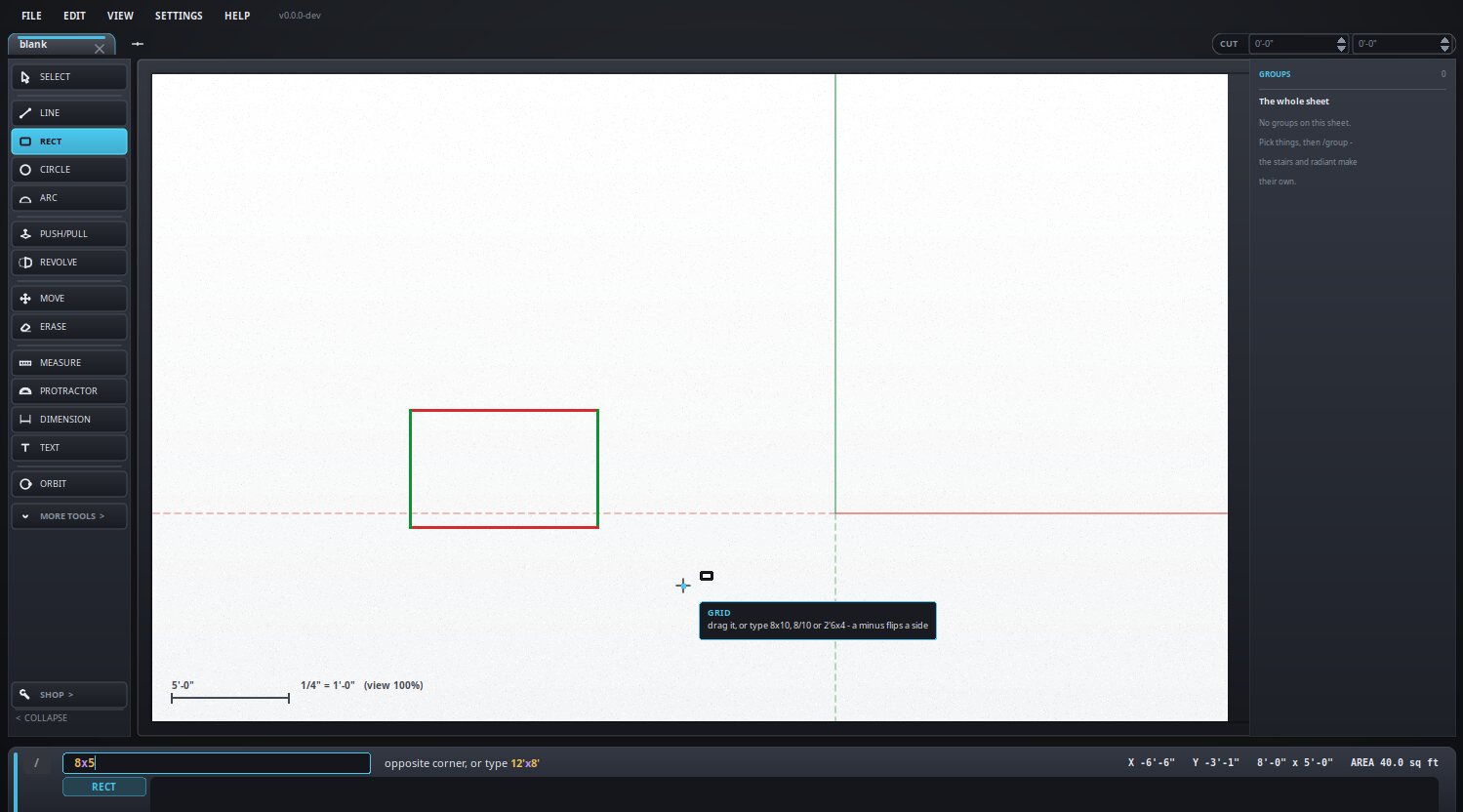
12'6", 6-8-15, 3.5m, 8x10, sums like 8' + 6", and exact points like [4,0,8]. Type it and the tool uses it.

Faces and solids

Faces come from the edges that close them. Push/pull, drill and revolve turn them into solids.

Snapping and inference

Endpoints, midpoints, centers, crossings and axis locks, so the point you meant is the point you get.

Measuring

Tape measure, guides, protractor, and dimensions you can type over to resize what they measure, including the radius of a circle or arc.

Views


Free 3D with a view cube, a plan view with a height slice, and true isometric paper.

Print and export

Printing to scale, and export to PNG, JPEG, animated WebP, SVG, PDF, DXF, STL and OpenSCAD.

Groups and sheets

Make part of the drawing its own object, open it, lock it, nest them. Several drawings in tabs, saved together in one file, with a draft saved every few seconds.

The drawing as text

A drawing is saved as Heck, a plain-text language a person can read, shown live beside the drawing and editable both ways. Text means a drawing works under git, and any program that prints Heck can build a part.

A command bar

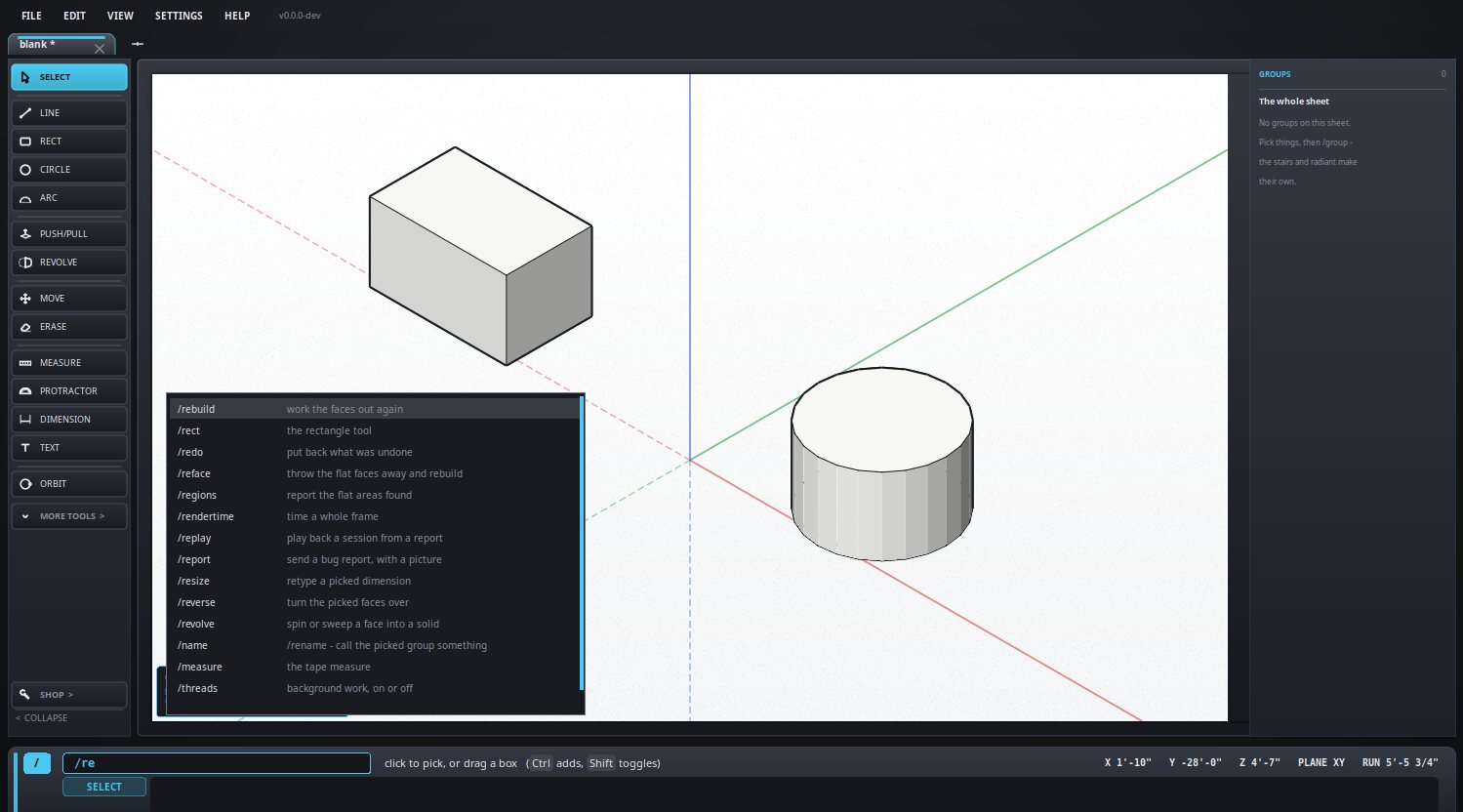
Type / and a searchable list of every command comes up, so there is nothing to memorize.

Things drawn in it

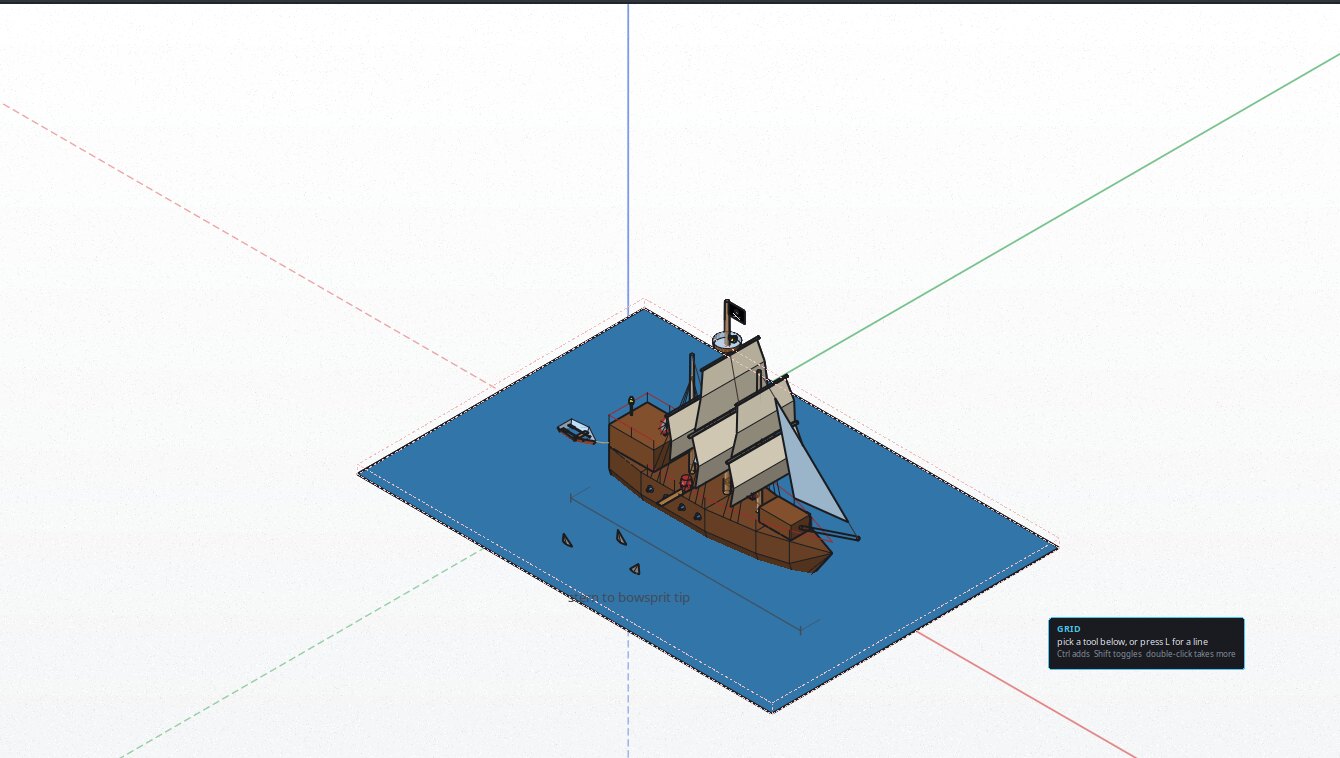
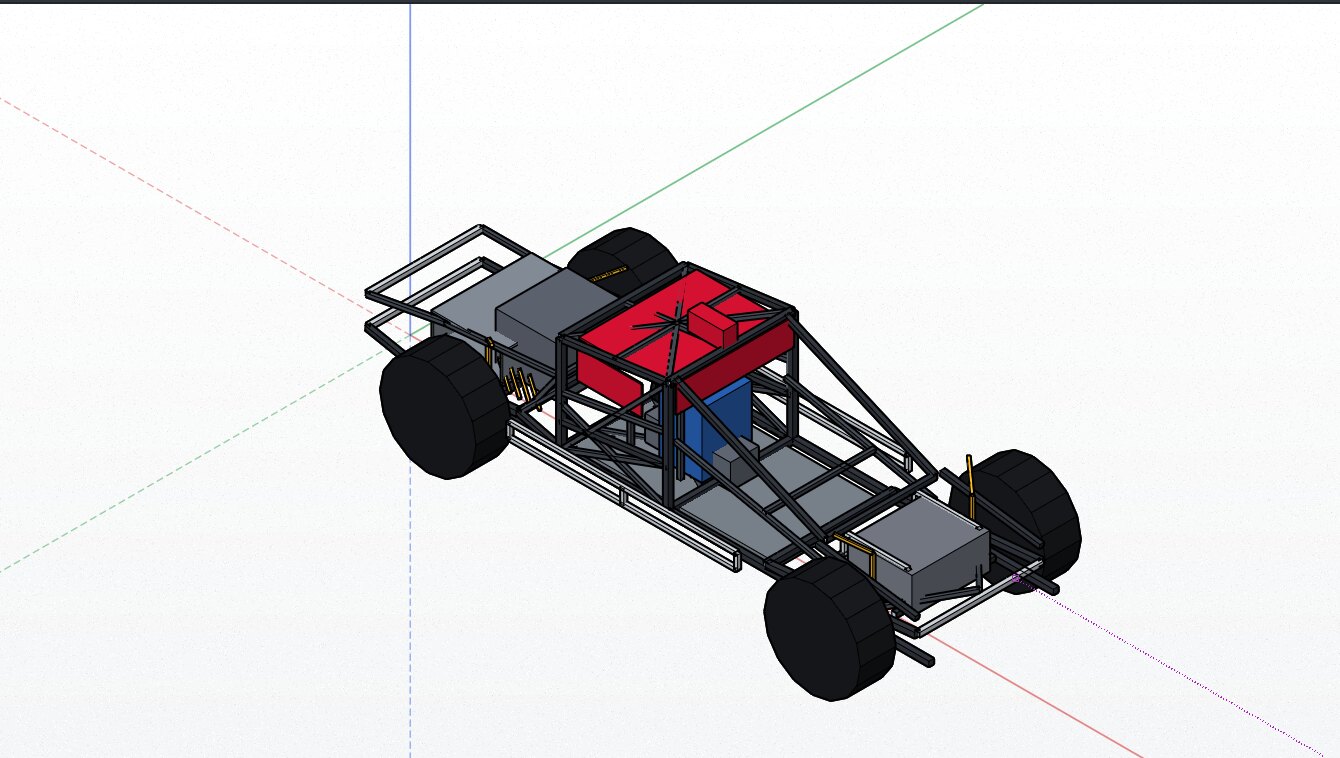

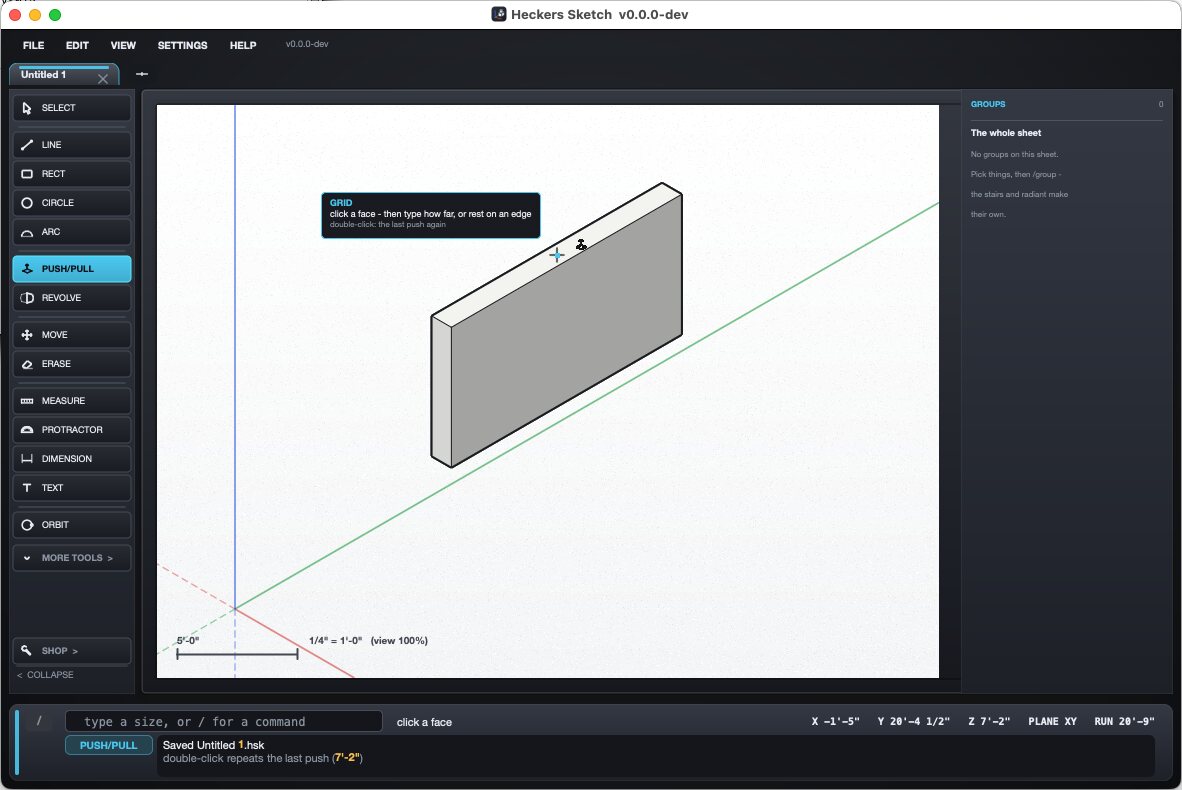
Drawings from the test shelf, as the program shows them. Every one is lines, faces and solids with real sizes behind them.

The tools at work


Pictures from the manual, which has a page for every tool, command and key.

The shop tools

The SHOP menu holds tools built for my own work. They are specific to the trades, so they are kept out of the way; the rest of the program doesn't need them.

Duct fittings

Transitions, elbows, tees and offsets from the openings you type, round or rectangular, landing in the drawing as solids with the tape worked against the sizes you gave.

Pipe spools

Click where each leg ends and type its length. Each leg says whether it is end to end or center to center, because a pipe fitter's tape does not measure the same thing twice.

Flat patterns

Click a face of a sheet metal piece and it is unfolded flat, at true size for a cutting machine or a print across several sheets. If a surface cannot be laid flat, it says so.

Stairs

A flight from its rise, run and width, placed on the cursor or fitted between two lines you drew, with a stringer sheet to cut from.

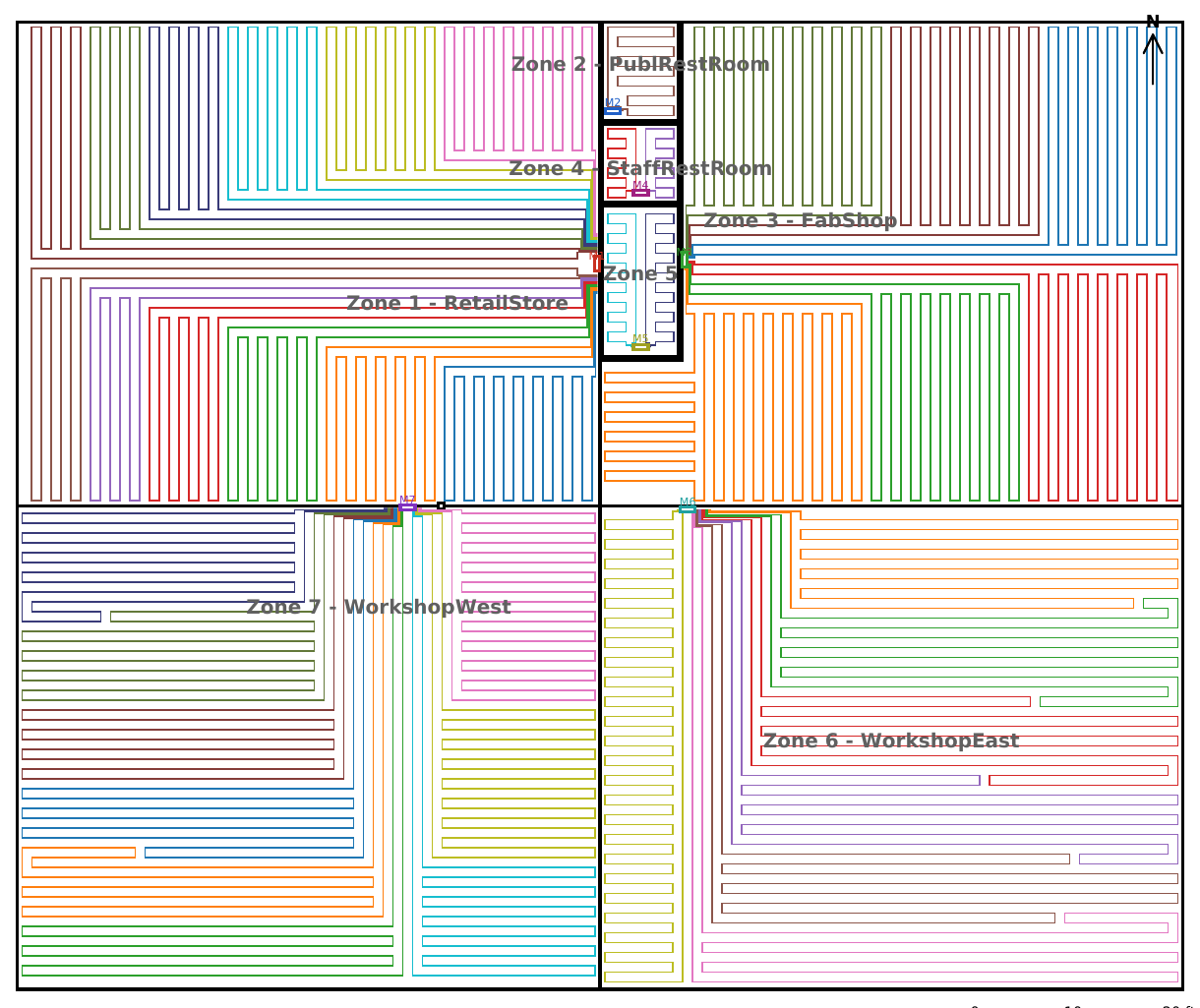
Radiant floors

Tubing loops laid out by zone, with a manifold and an installer checklist per loop. I offer this as a service too.

What it does on the network

No account, no sign-in, no tracking, and nothing that identifies you or your machine. Everything it does online is listed here, and --offline switches all of it off.

Looks for a newer version

Every few hours it asks my own web host what the latest release is: one request, nothing about you or your drawing in it. The update is checked against a signature before anything is put in place. /update never turns the check off.

Sends a bug report when you ask

Help → Report a problem lays out everything that will go, a screenshot, your note, what the program was doing, and your drawing only if you leave it ticked. It is encrypted before it leaves and goes to my own host, where only I can open it. A plain copy of each report sent is kept beside the program.

Asks, once, to send a postcard

On its second start it asks whether it may send one note saying what sort of computer it is on, and, if you care to say, what you want to use it for. The whole text is on the screen before you answer, No is as big a button as Yes, and it never asks again.

All of that runs on Houston, the Lazarus package Hecker Sketch was the first real user of.

How it got here

It grew out of Noella's Etch A Sketch, the toy my daughter and I built together. That toy is where I first put AI to work, trying to turn it into a scaled drawing program for the job. With a few different AI coding tools it became useful often enough that Noella's program went back to being hers and Hecker Sketch got a life of its own.

My family and I are installing radiant heat in a 10,000 square foot building right now from a Hecker Sketch layout and its step-by-step directions, and the install has gone great: measure a few points, lay the wire mesh as a grid, and it comes down to counting loops and running tubing out fast.

I build it the way I build everything now: I design it, I write code, and I put AI coding tools to work on the parts I hand them, then test what comes back. That is what makes a program this size possible for a hobbyist programmer with a day job: the geometry behind faces, solids, snapping and unfolding would have taken me years on my own, and the rest months, and instead it gets done in weeks while I spend my evenings deciding what it should do and whether it does it right. It is tested by scripts that drive the real program on Linux, Windows and macOS before every release, and there are about 1,700 geometry checks behind the tools.